
This is your single destination for everything sports. To access, press on your remote to bring up the main menu and select Sports or use voice commands and say "Sports."
Leagues and genres are sectioned out at the top of the screen. Use the and
and to navigate to what you want, to see live and upcoming games, sports shows, replays and related content on YouTube.
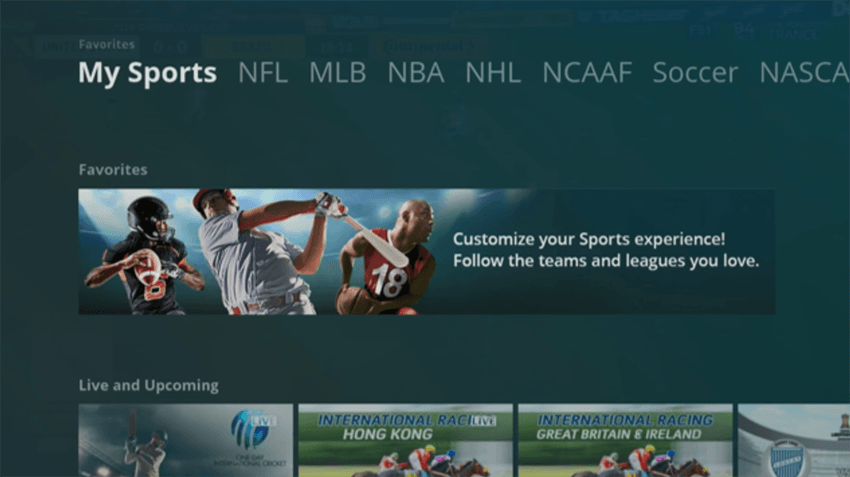
Customize your experience by setting which teams appear in My Sports.
- Press on your remote to bring up the main menu and select Sports.
- Under My Sports, highlight Favorites then press SELECT..
- Scroll to the league you want and press SELECT.
- Use the arrows to highlight the team(s) you want to follow and press SELECT. A white heart will appear in the upper when a team(s) is favorited.